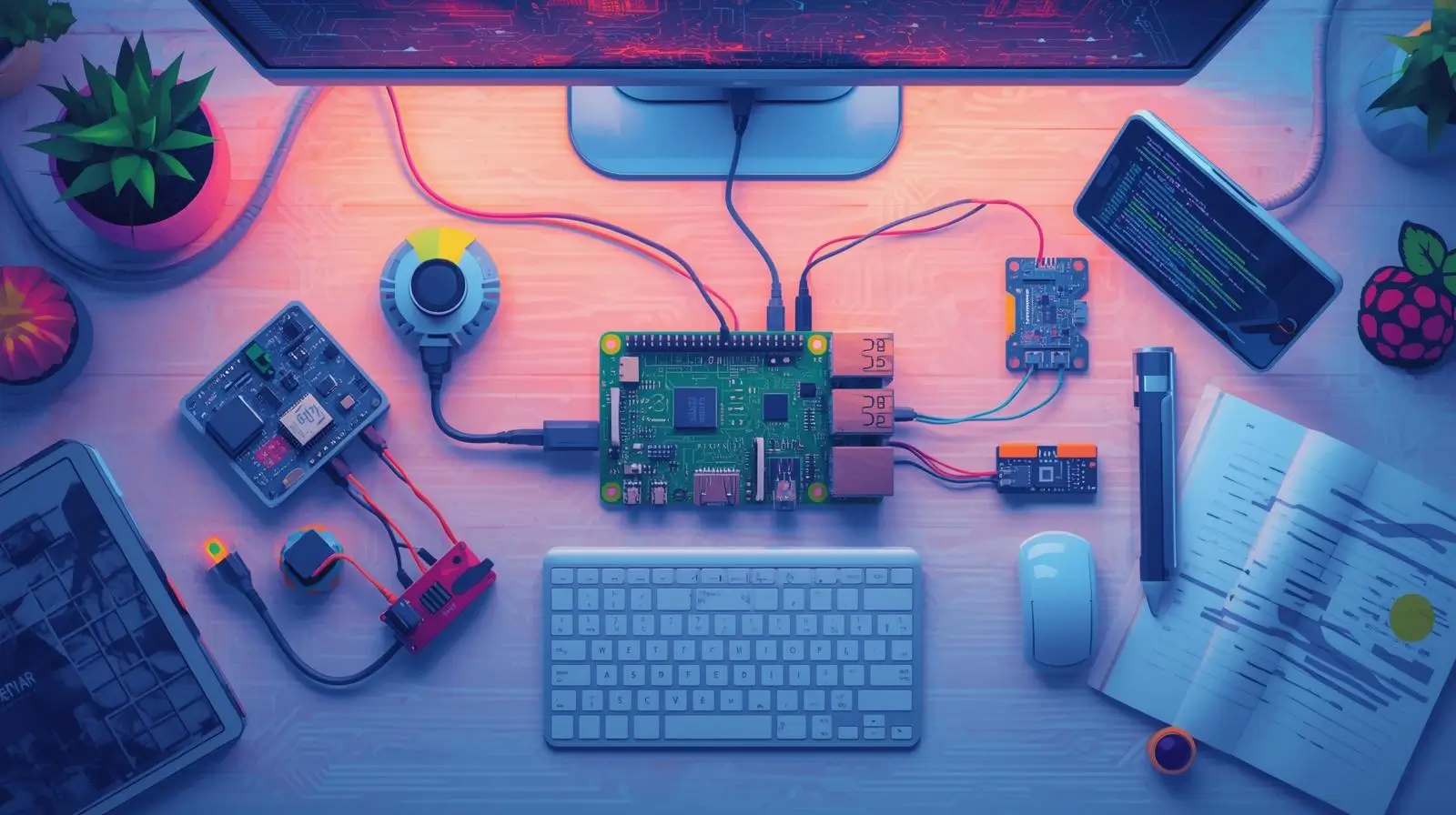
Raspberry Pi remains one of the most powerful and affordable IoT platforms. With endless sensors, cloud integrations, and automation tools, you can build smart home systems, edge devices, AI cameras, energy monitors, and more. This blog gives you full tutorials, diagrams, required components, and embedded YouTube videos for each project.
1. Smart Home Automation Hub (Home Assistant)
Create a professional-grade smart home hub with Raspberry Pi + Home Assistant. Control all your smart lights, switches, sensors, and cameras from one interface.
How It Works
     [Smart Devices] --> [Zigbee/Z-Wave Hub] --> [Raspberry Pi + Home Assistant]
                                     |
                                     --> Automation Rules
Components Required
- Raspberry Pi 4 / Pi 5 (Recommended)
- 32GB–128GB microSD or SSD
- Zigbee dongle (Sonoff ZBDongle-E)
- Optional: Z-Wave USB Stick
- Home Assistant OS
Step-by-Step Instructions
- Flash Home Assistant OS using Balena Etcher.
- Boot your Raspberry Pi and find the IP address via router.
- Finish setup at
http://homeassistant.local:8123. - Plug in Zigbee/Z-Wave dongles and add devices.
- Create automations like:
- Turn on lights at sunset
- Activate AC when temperature > 30°C
- Send alerts when motion detected
Upgrades
- Add a wall-mounted touchscreen panel
- Voice control using Google/Alexa
- Energy monitoring integration
YouTube Tutorial
2. IoT Home Automation Dashboard with MQTT
Build a local or cloud-connected web dashboard that controls your home appliances using Raspberry Pi + MQTT + Node-RED.
Architecture
[ESP32 Nodes] <--> [MQTT Broker on Raspberry Pi] <--> [Node-RED Dashboard]
                               |
                           Cloud Integration
Components
- Raspberry Pi 4
- ESP32 / ESP8266 IoT nodes
- Relay modules (5V)
- Mosquitto MQTT Broker
- Node-RED
Steps
- Install Mosquitto on Raspberry Pi.
- Install Node-RED and create a dashboard.
- Program ESP32s to publish sensor data and subscribe to control topics.
- Control appliances via dashboard buttons.
- Track metrics in real-time.
Advanced Features
- Cloud sync using AWS IoT / Adafruit IO
- Energy consumption tracking
YouTube Tutorial
3. Smart Energy Monitoring System
A powerful system for monitoring electricity usage in real time using CT (Current Transformer) sensors.
How It Works
[CT Sensor] --> [ADC Board] --> [Raspberry Pi] --> [Grafana Dashboard]
Components
- Raspberry Pi 4
- SCT-013 CT Sensors
- ADS1115 ADC module
- InfluxDB + Grafana
Steps
- Wire CT sensors to ADS1115.
- Connect ADS1115 to the Pi via I2C.
- Install InfluxDB for time-series storage.
- Create energy dashboards in Grafana.
Upgrades
- Predictive AI energy usage (TensorFlow Lite)
- Automatic shutdown of high-load appliances
YouTube Tutorial
4. Smart Control Hub with Touchscreen & Voice
This turns your Raspberry Pi into a wall-mounted smart panel to control lights, play music, and access dashboards.
Architecture
       [Touchscreen UI]
              |
[Raspberry Pi + Home Assistant + Voice Assistant]
Components
- Raspberry Pi 4
- 7-inch touchscreen
- USB microphone
- Home Assistant
- Rhasspy or Google Voice
Steps
- Install Home Assistant.
- Install kiosk-mode Chromium browser.
- Mount the screen on a wall.
- Enable voice commands.
YouTube Tutorial
5. Low-Cost Smart Home with Raspberry Pi Zero
A minimal-cost home automation system using a Pi Zero W + simple sensors.
Components
- Raspberry Pi Zero W
- DHT22 Sensor
- Relay module
- Python Flask for UI
Steps
- Connect relays and sensors to Pi Zero.
- Create a local web server using Flask.
- Display temperature & humidity.
- Add control buttons for lights.
YouTube Tutorial
6. Offline Local IoT Control System
A 100% offline smart home solution where everything runs locally — great for privacy.
Architecture
[Devices] <--> [Local Web Server on Raspberry Pi] <--> [User Interface]
Steps
- Build a Python or Node.js local API.
- Host a static web UI on the Pi.
- Connect relays via GPIO.
- Add password protection.
YouTube Tutorial
7. IoT Weather & Environmental Monitoring Station
Build a full environmental station measuring temperature, humidity, rainfall, air quality, and more.
Sensors You Can Use
- BME280 — Temperature, Humidity, Pressure
- DHT22 — Basic temperature & humidity
- MQ135 — Air quality
- Rain sensor
- Wind speed sensor
Steps
- Connect sensors via I2C/GPIO.
- Store data in InfluxDB.
- Visualize trends in Grafana.
- Send weather alerts to Telegram.
YouTube Tutorial
8. Pi-Hole Network Ad Blocker & Privacy Shield
Pi-Hole blocks ads and trackers for every device on your network by acting as a DNS filter.
Architecture
[Devices] --> [Pi-Hole DNS] --> [Internet]
Components
- Raspberry Pi 3/4/5
- Ethernet cable
- microSD card
Steps
- Install Raspberry Pi OS Lite.
- Run:
curl -sSL https://install.pi-hole.net | bash - Set router DNS to the Pi’s IP.
- Manage blocklists & logs at
/admin.
YouTube Tutorial
9. Smart Security & Motion Detection Camera
Turn your Raspberry Pi into a live-streaming, motion-detecting surveillance system.
Components
- Raspberry Pi
- Pi Camera Module
- MotionEyeOS
Steps
- Install MotionEyeOS.
- Enable motion detection zones.
- Configure email or Telegram alerts.
- Access camera feeds from anywhere.
YouTube Tutorial
10. Raspberry Pi IoT Gateway / Edge Computing Node
Your Raspberry Pi becomes the central hub for all ESP32/ESP8266 sensors — processing data locally and pushing only important insights to the cloud.
Architecture
[ESP32/ESP8266] --> [MQTT --> Raspberry Pi Edge Node] --> [Cloud]
Components
- Raspberry Pi Zero W / Pi 4
- ESP32 nodes
- Mosquitto MQTT
- Node-RED
Steps
- Install MQTT broker on the Pi.
- Connect ESP32 sensors to Pi via WiFi.
- Create Node-RED flows for processing.
- Send filtered data to the cloud.
YouTube Tutorial
Final Thoughts
You now have a complete set of high-quality IoT projects for 2025 — each with tutorials, diagrams, steps, components, and working videos. These projects range from beginner to advanced and cover everything from smart home automation to edge computing and network privacy.